Bring your staff in
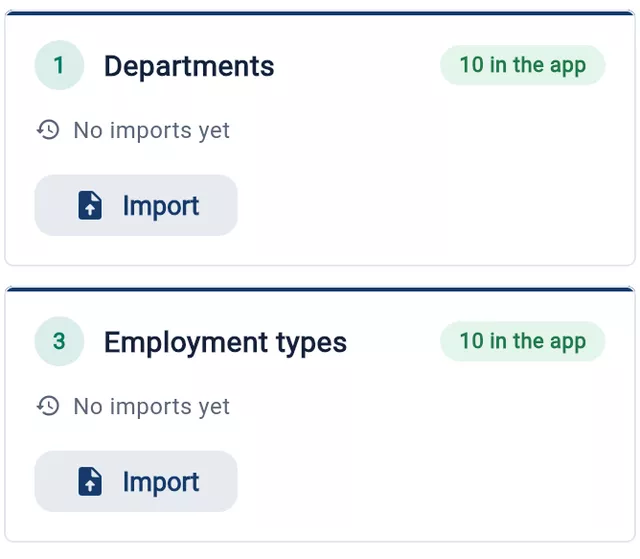
Upload the spreadsheet you already keep. Departments, designations and reporting lines come across with it.
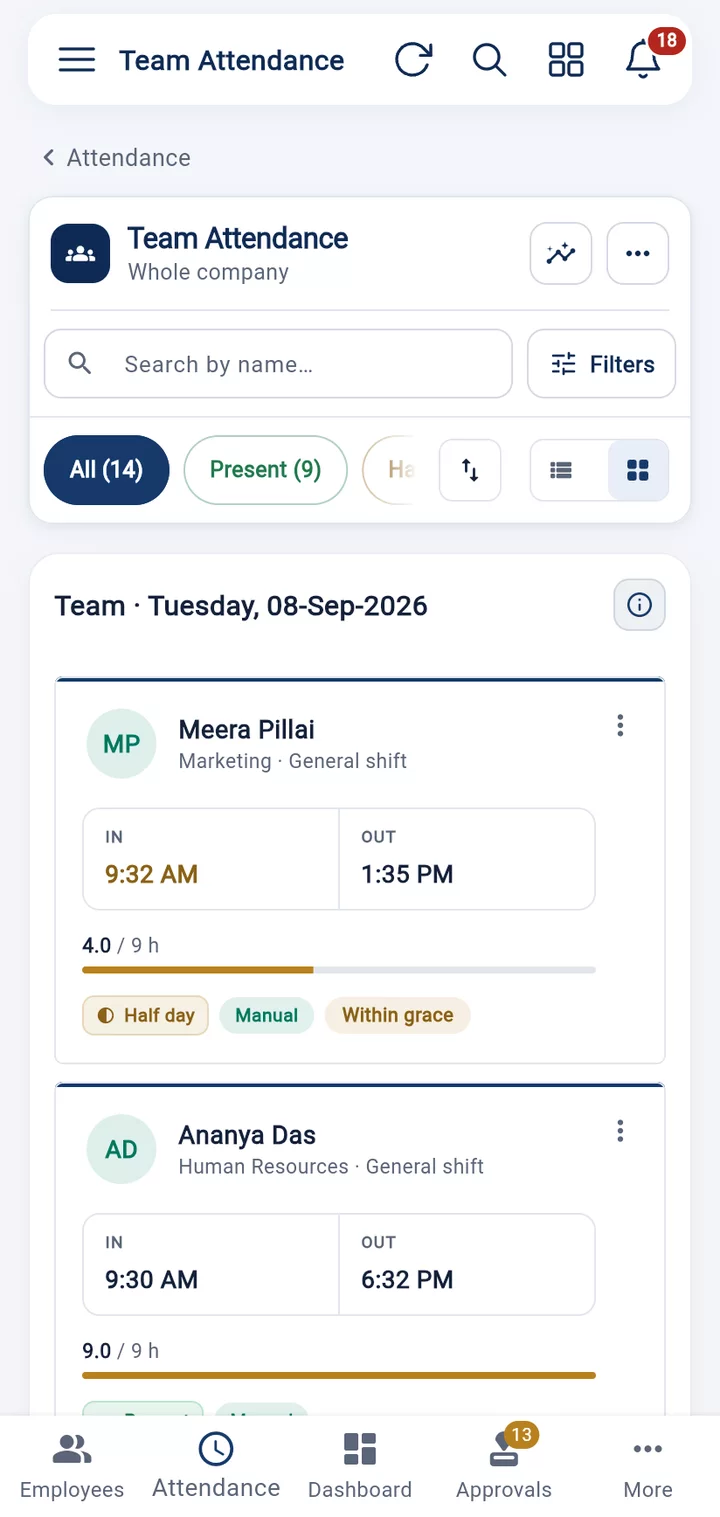
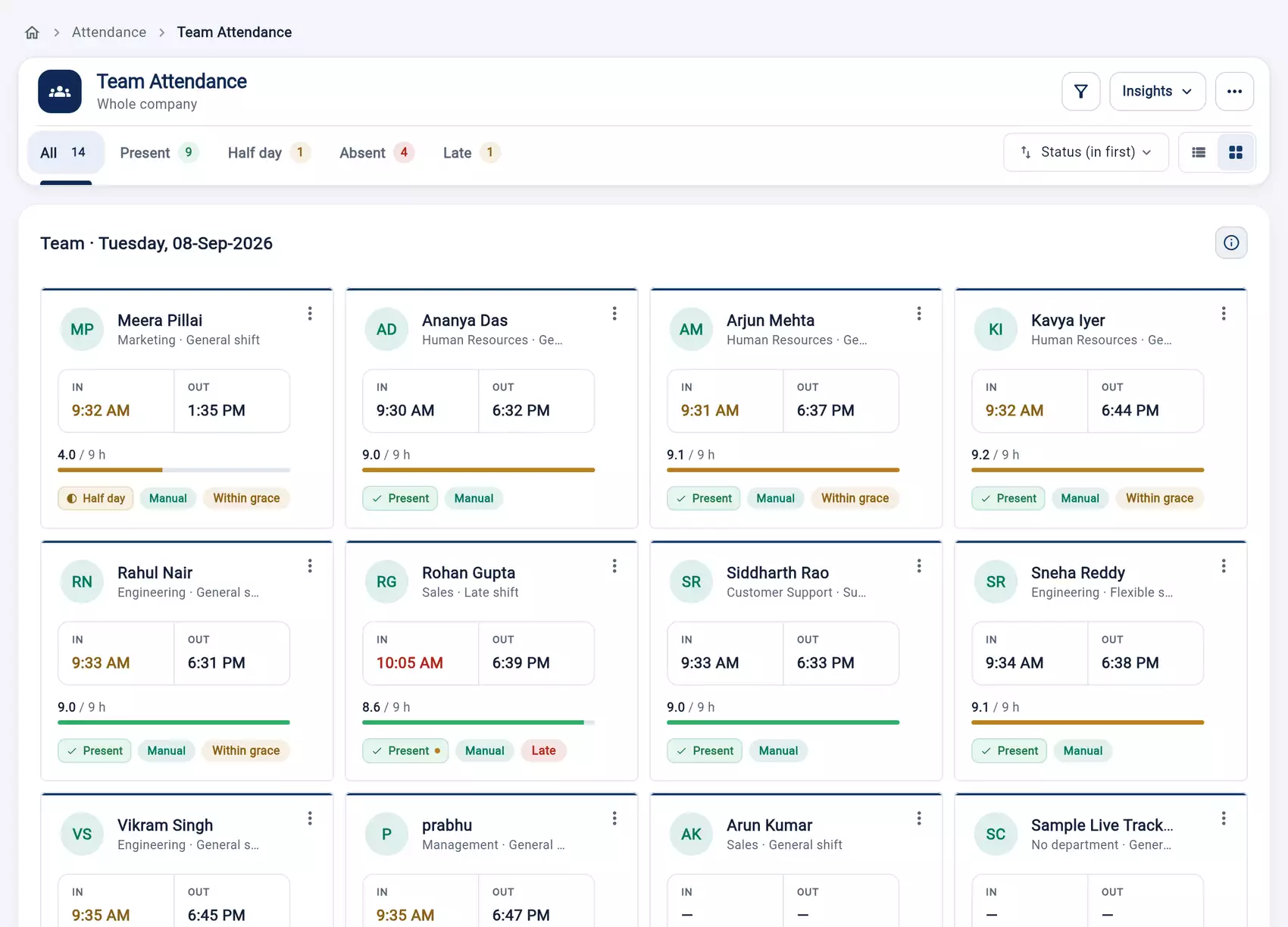
Thirvu HR replaces the attendance register, the leave WhatsApp group and the payroll spreadsheet with one system your whole company works from — on the phone and in the browser.
Book a demo See plans and prices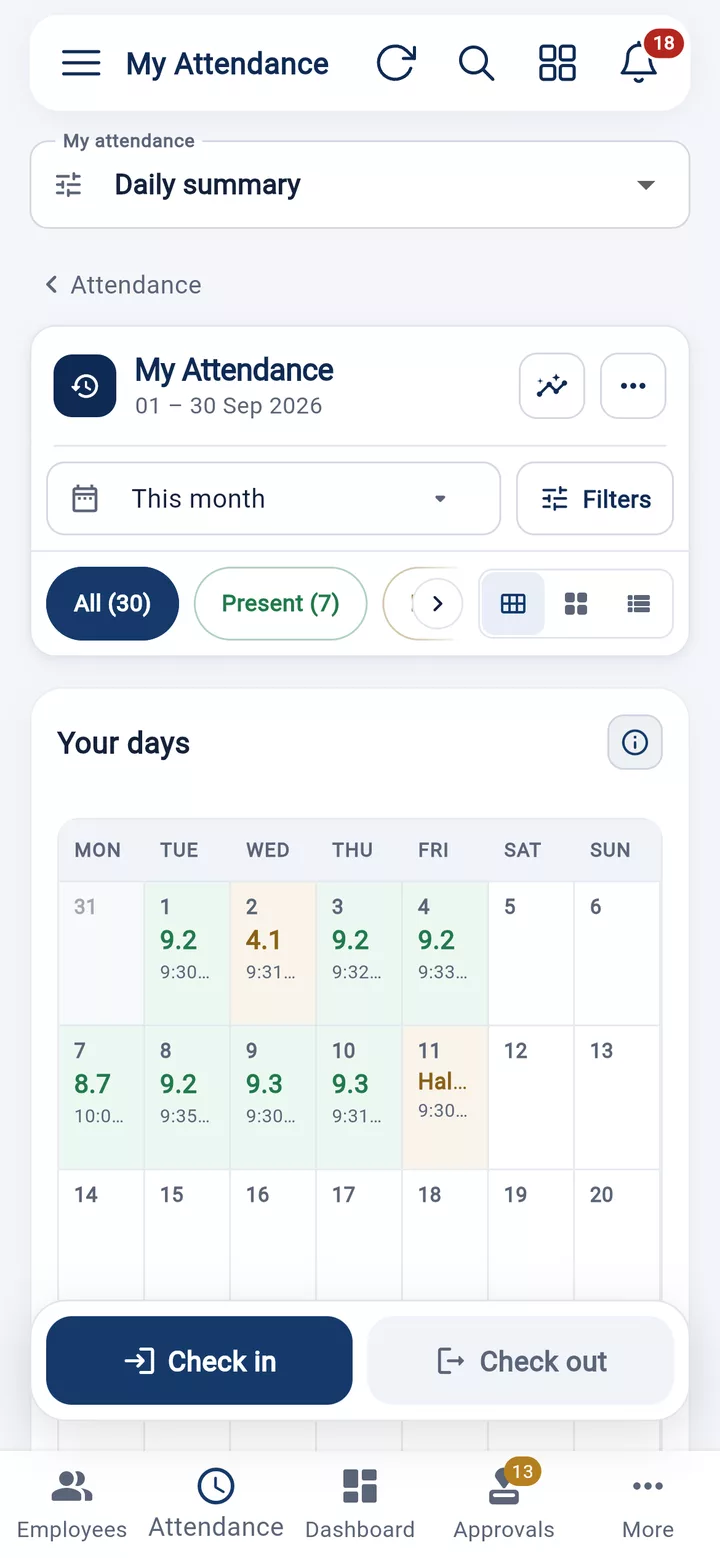
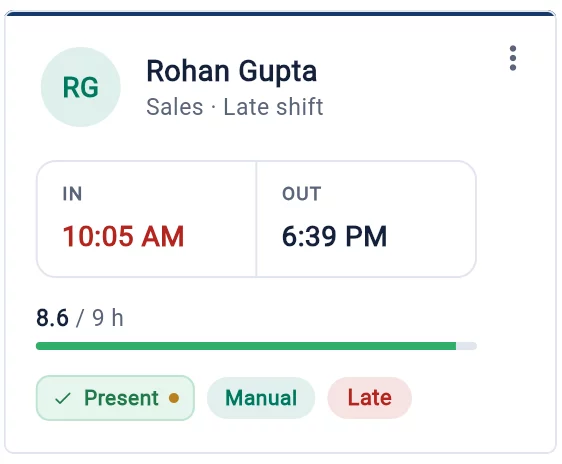
Check inStaff do it from their phone.
Attendance, leave and salary stay together in one place, for you and your staff.
See more screens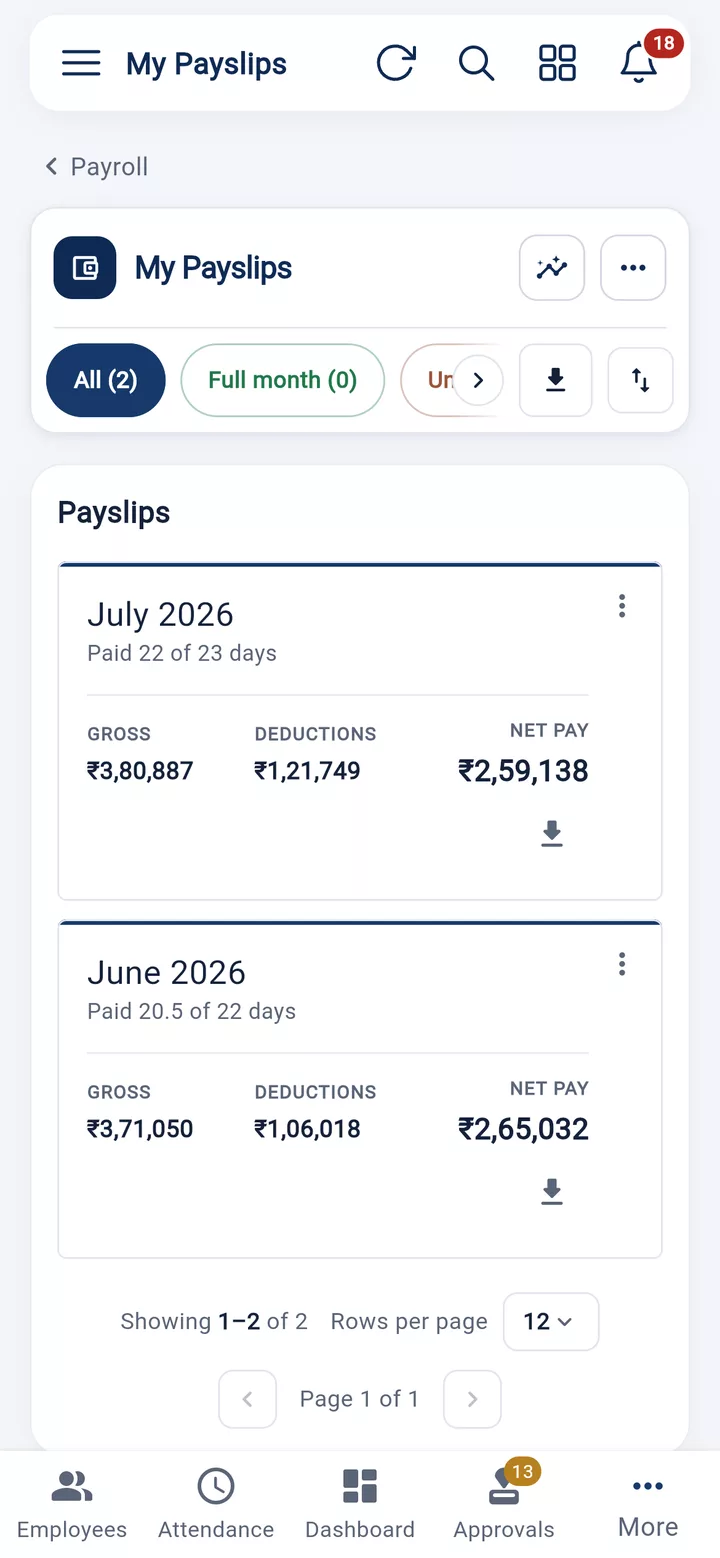
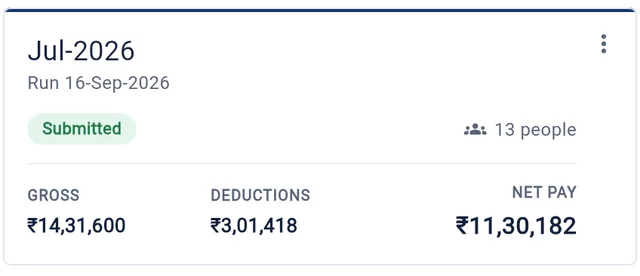
Get paidTheir payslip is ready in the app.
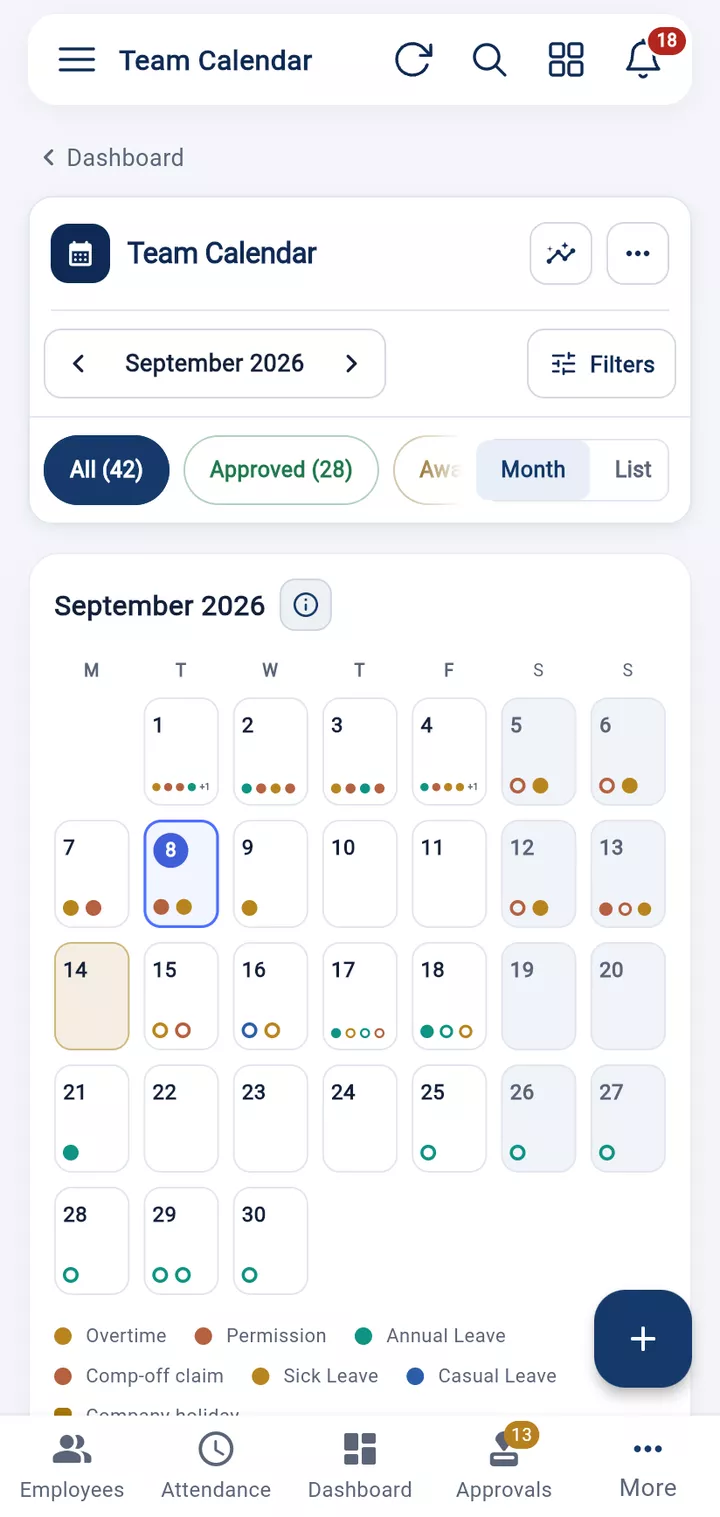
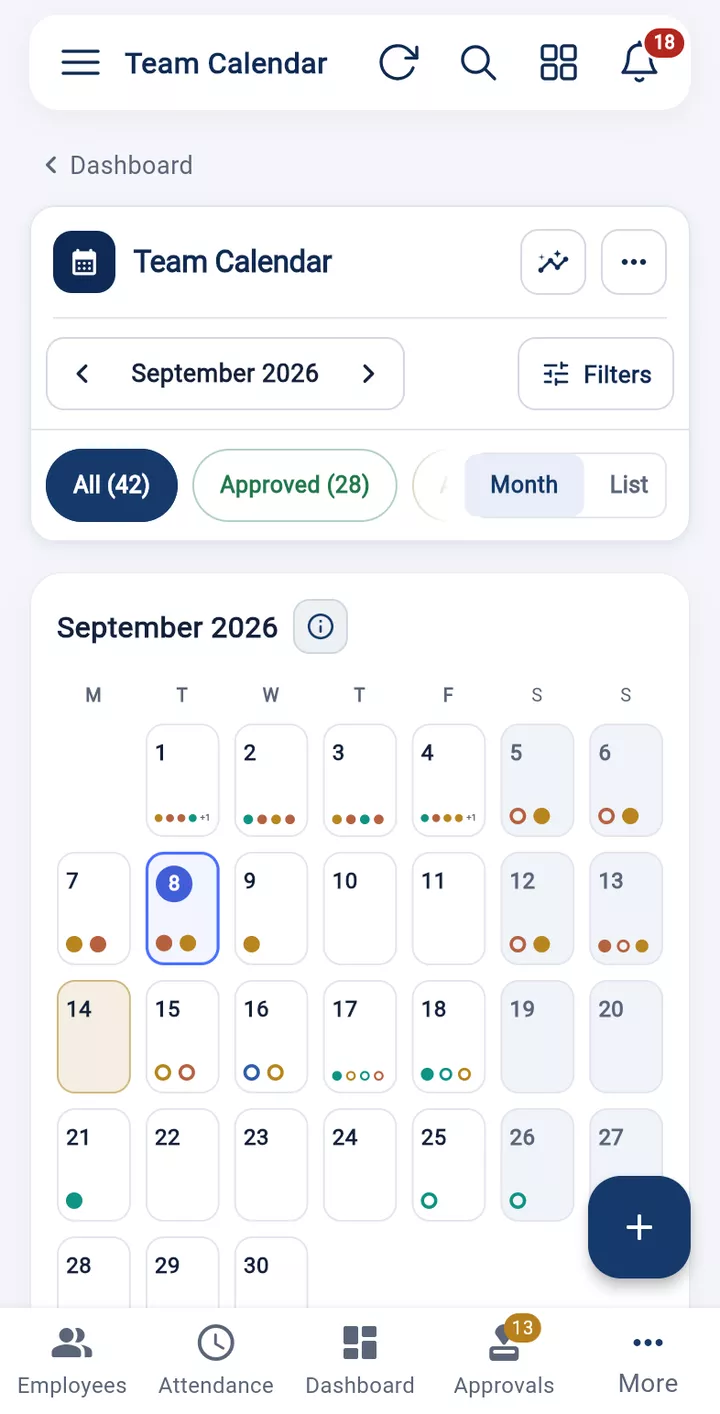
Android, iPhone, tablet or any web browser. Your staff can use what they already have.
Everything stays the same, whichever device you use.
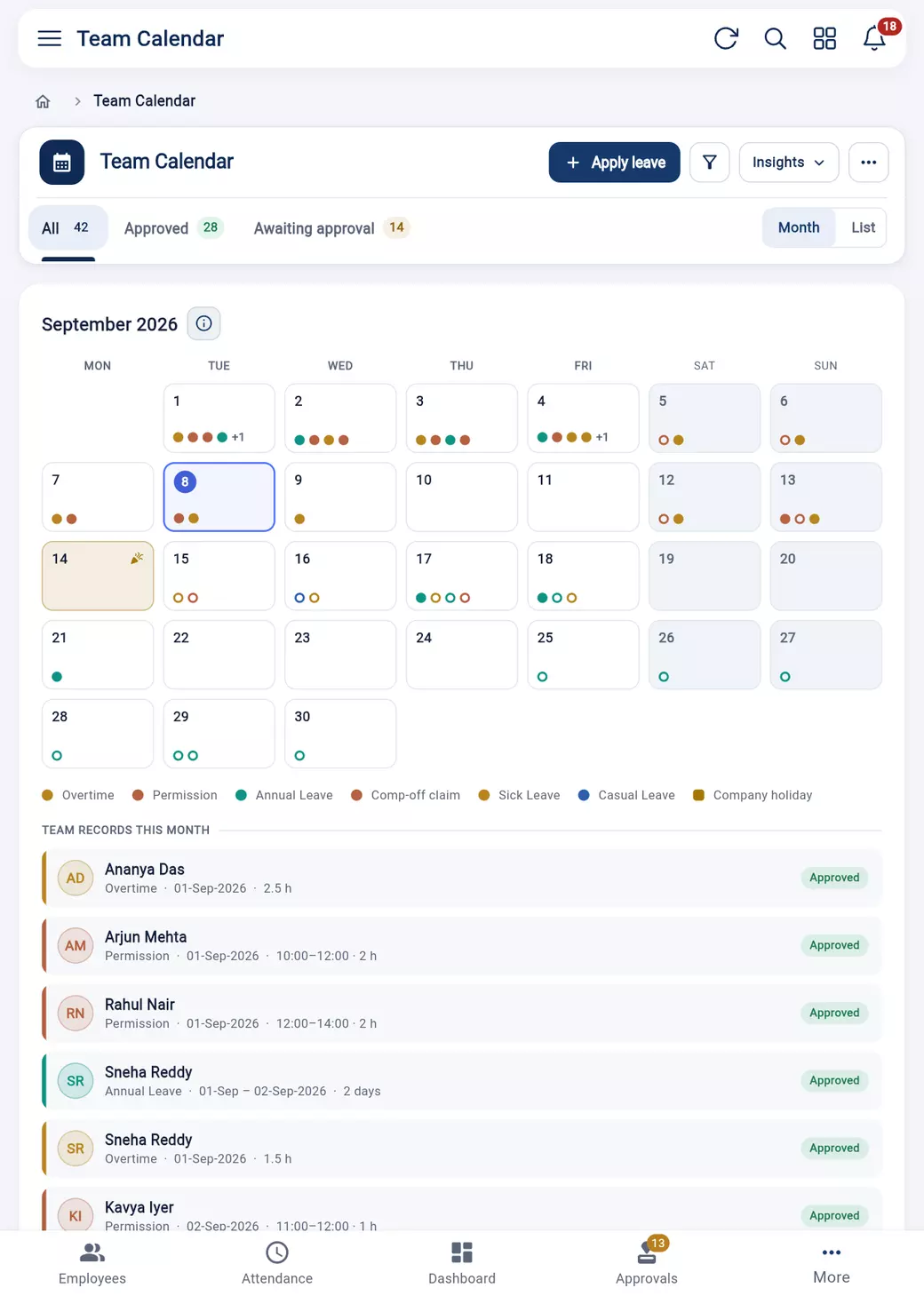
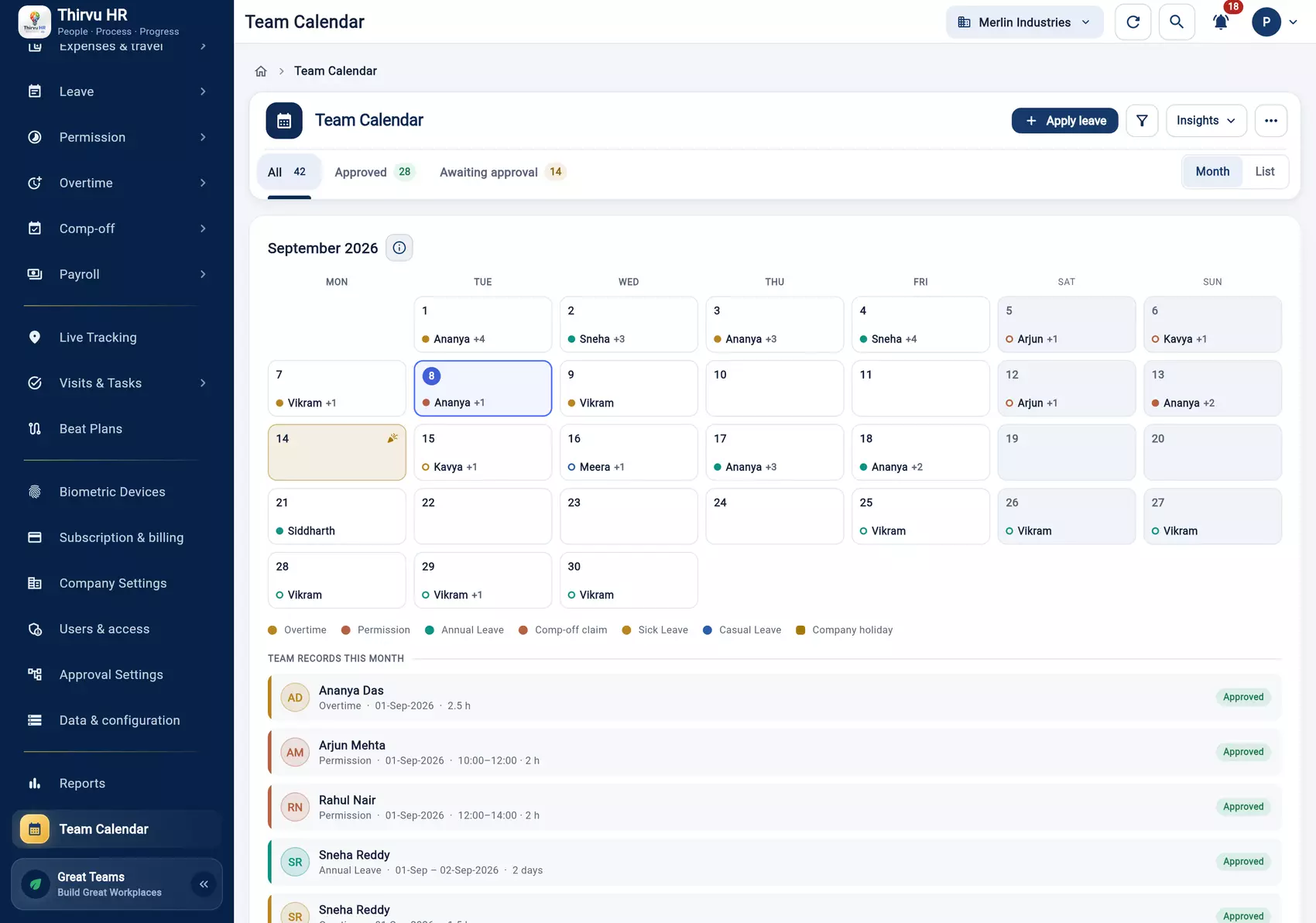
No consultants, no implementation project.
Upload the spreadsheet you already keep. Departments, designations and reporting lines come across with it.
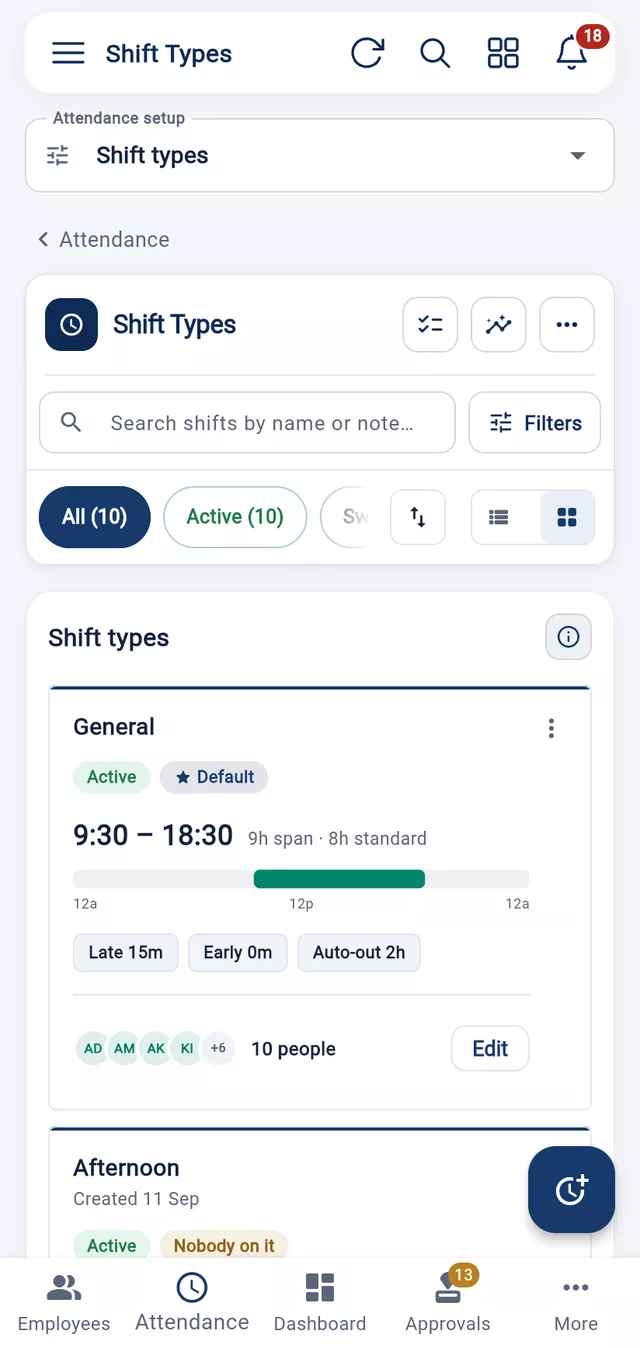
Shifts, leave types, holidays and who approves what. You do this once; it runs itself afterwards.
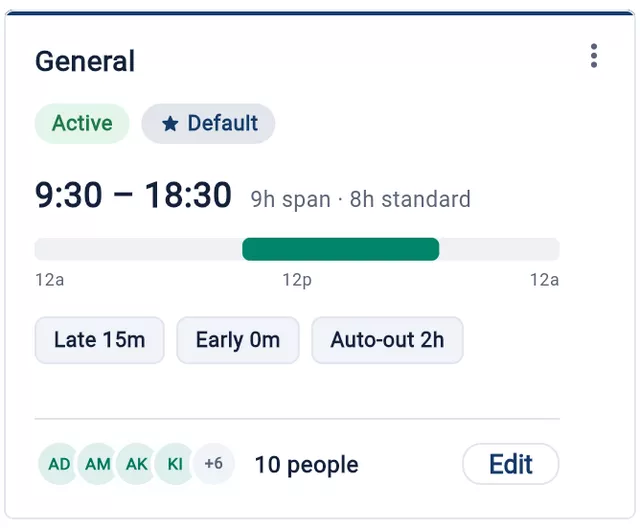
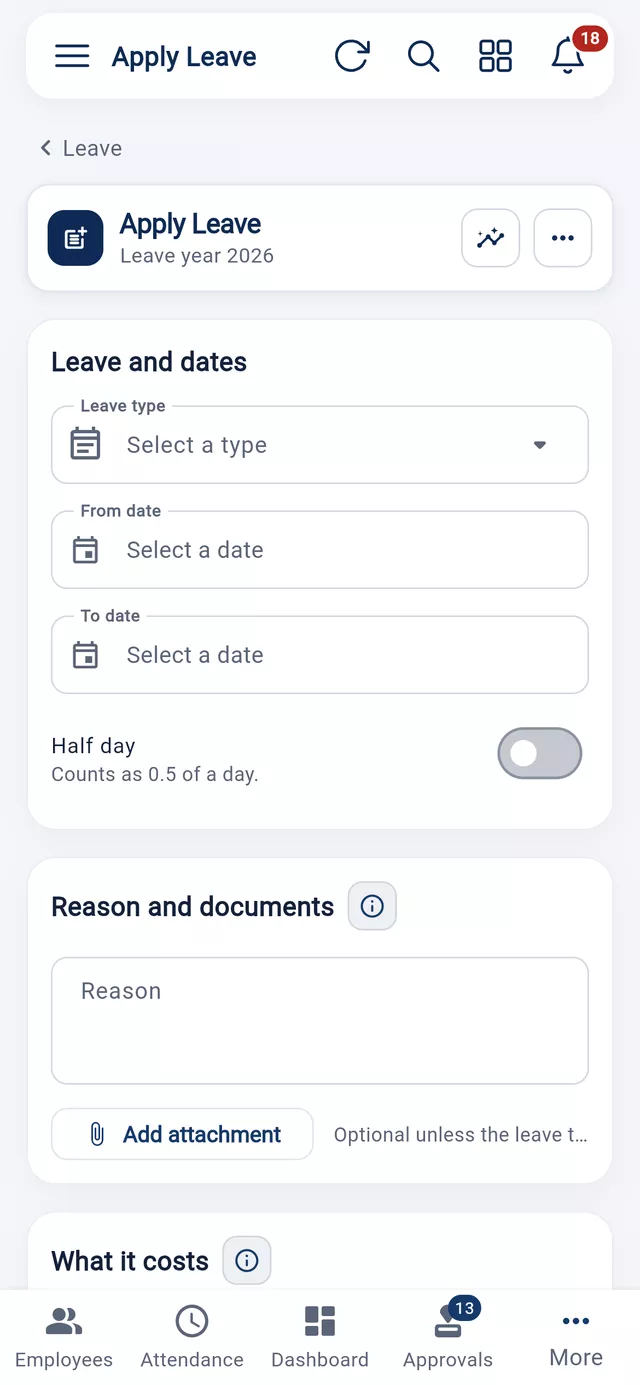
Staff check in and apply for leave from their phones.
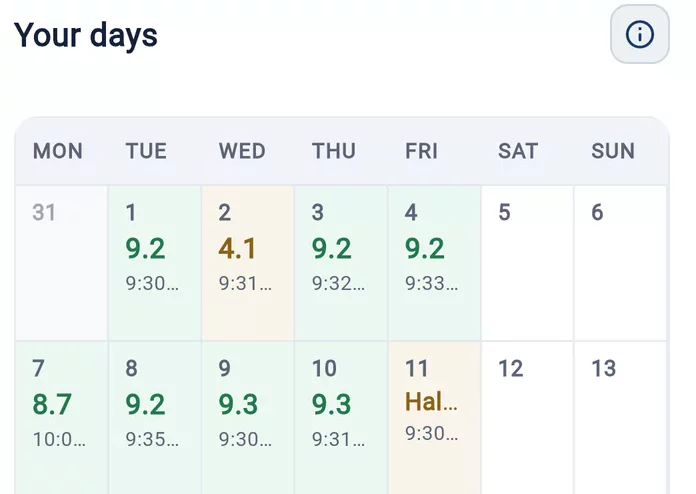
You approve, and run payroll when the month closes.
Sensible limits and a record of everything — without making everyday HR work complicated.
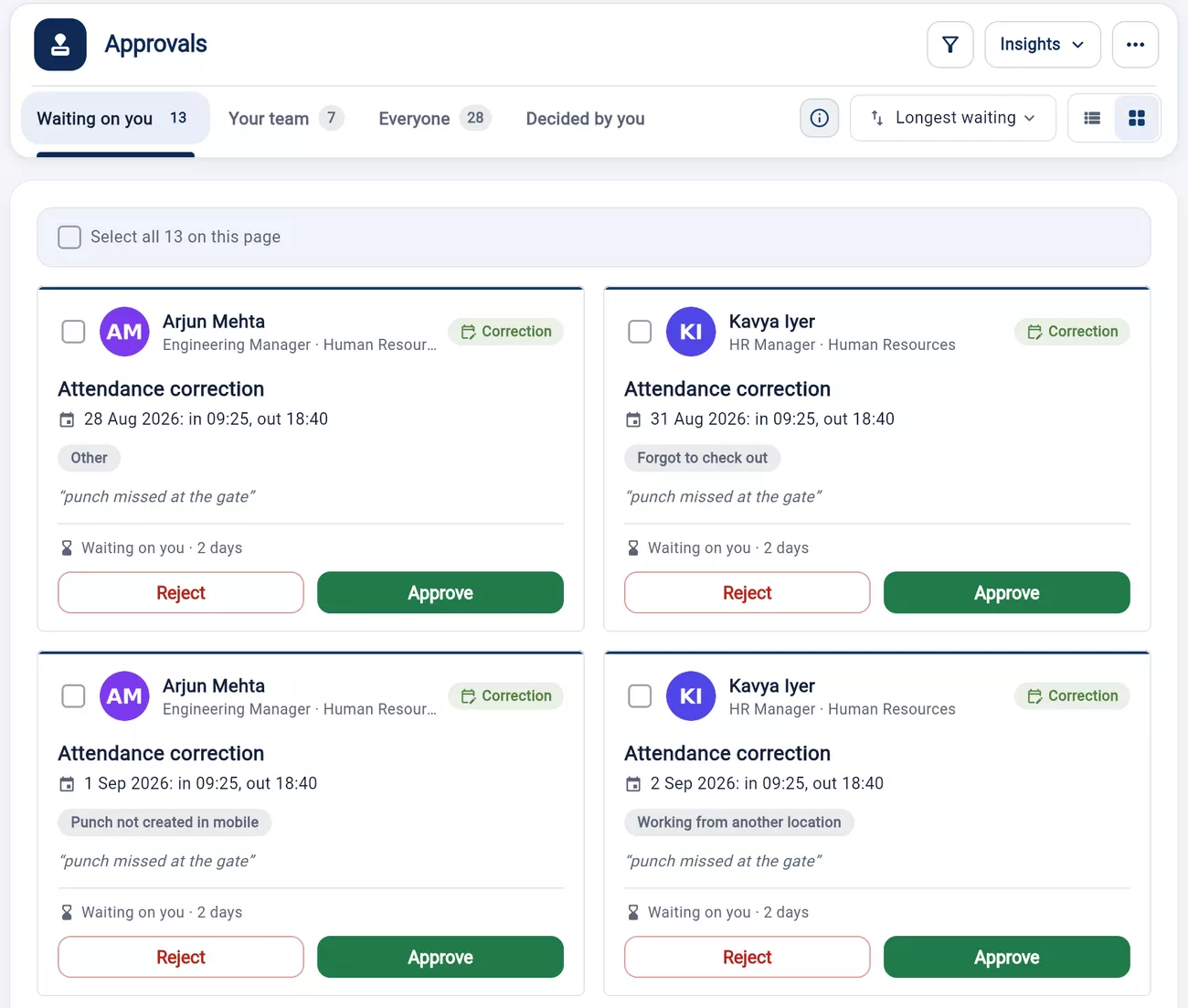
Leave, permission, overtime, comp-off and corrections all wait in one place, in the order your company approves them.
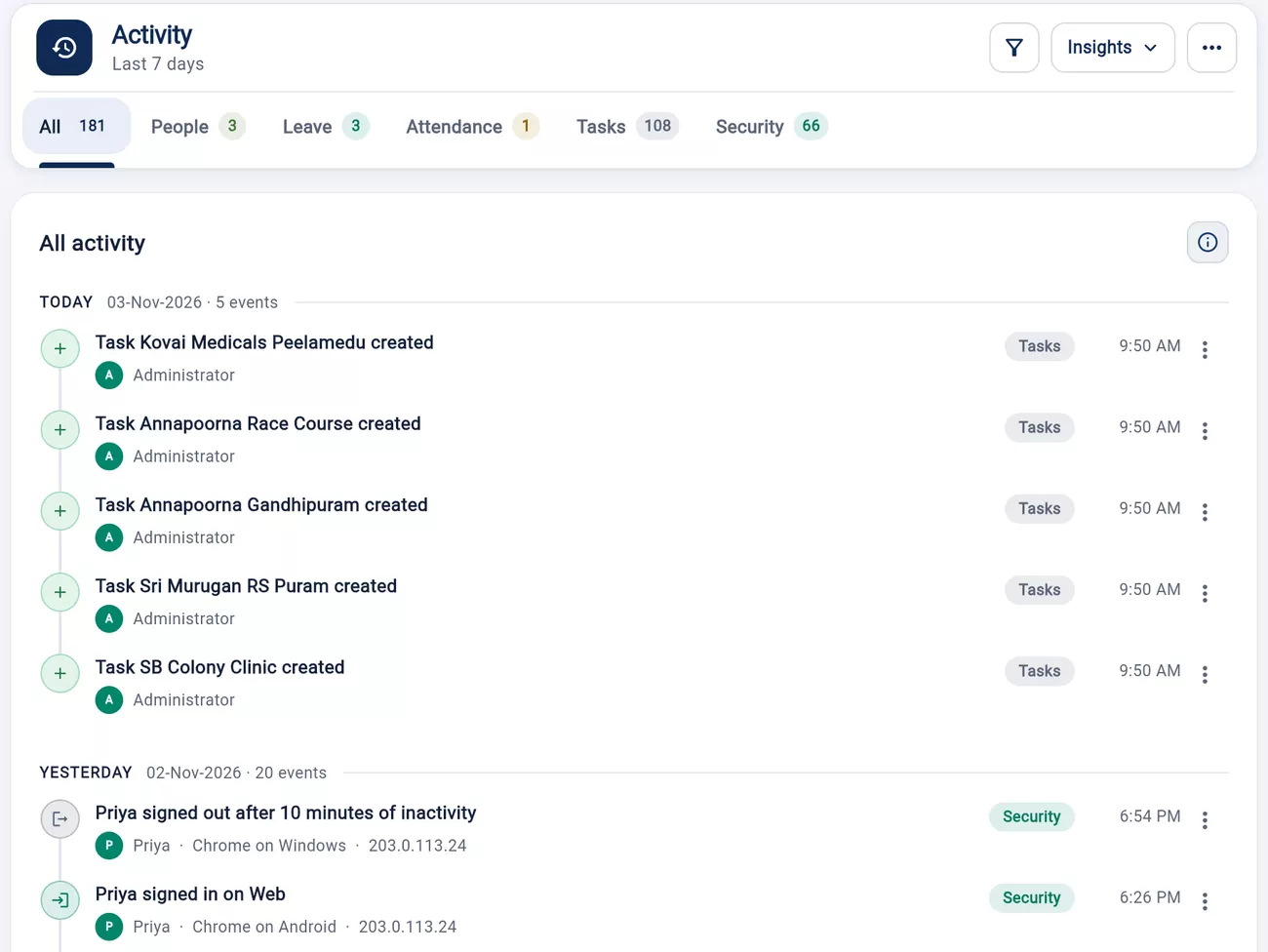
See who signed in, from which device, and what they changed.
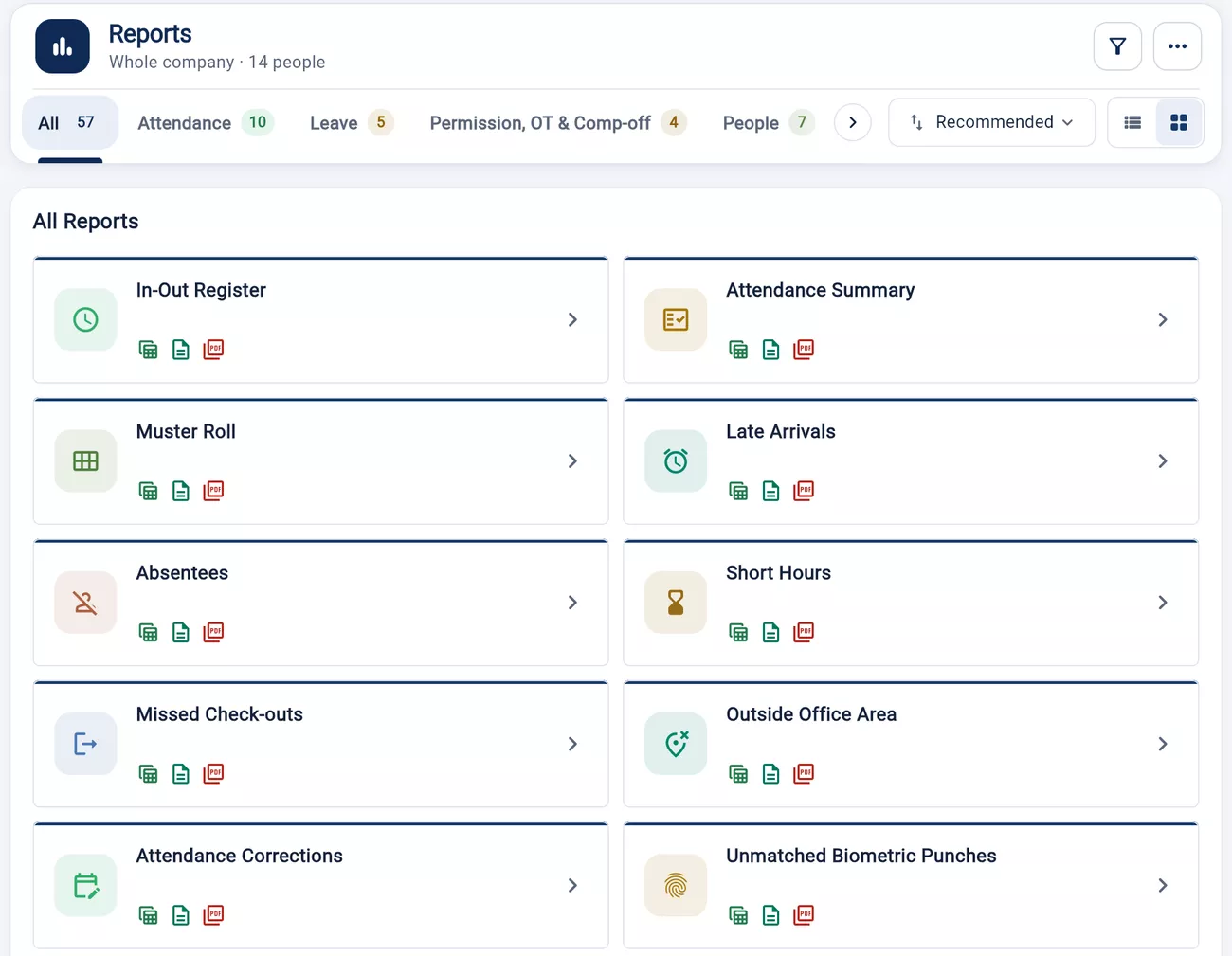
Attendance, leave, payroll, people, tasks and expenses, ready to export as Excel, CSV or PDF.
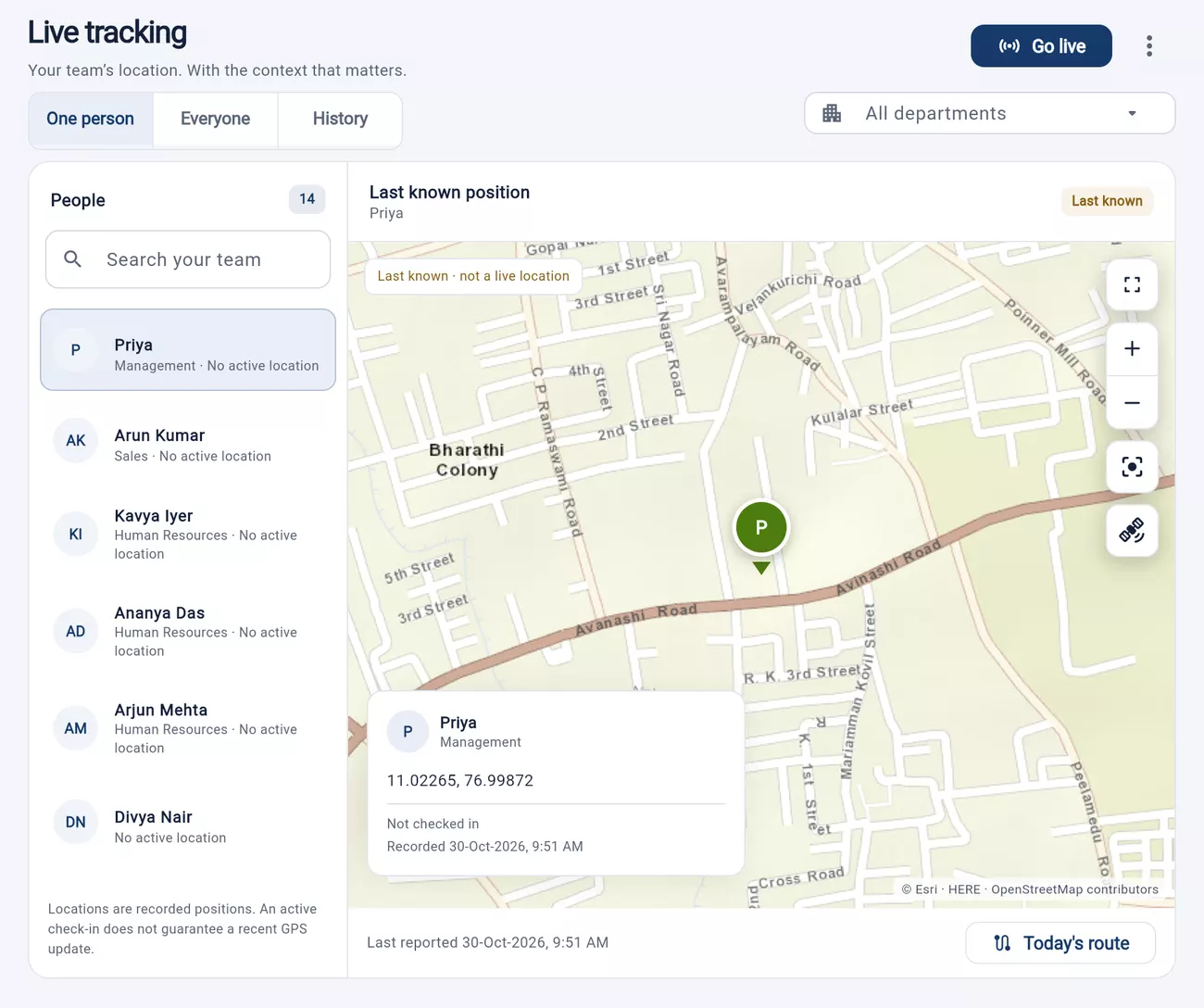
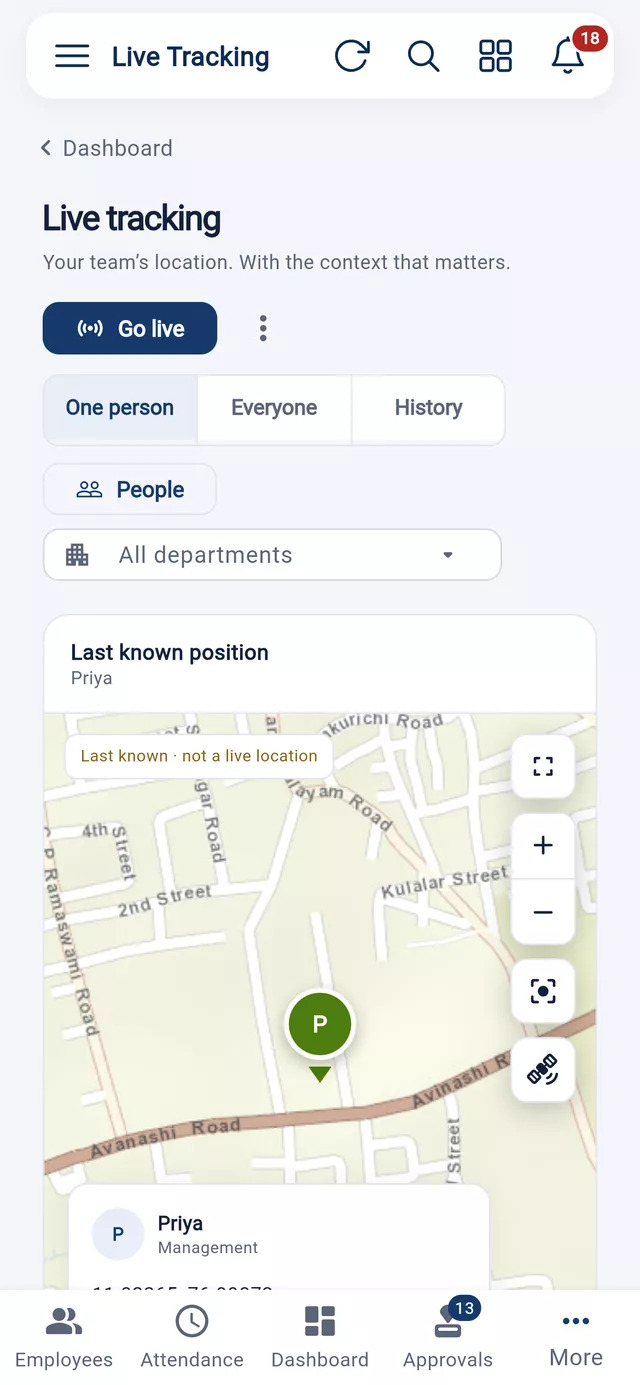
Your team's location, with the context that matters, for the employees you assign.
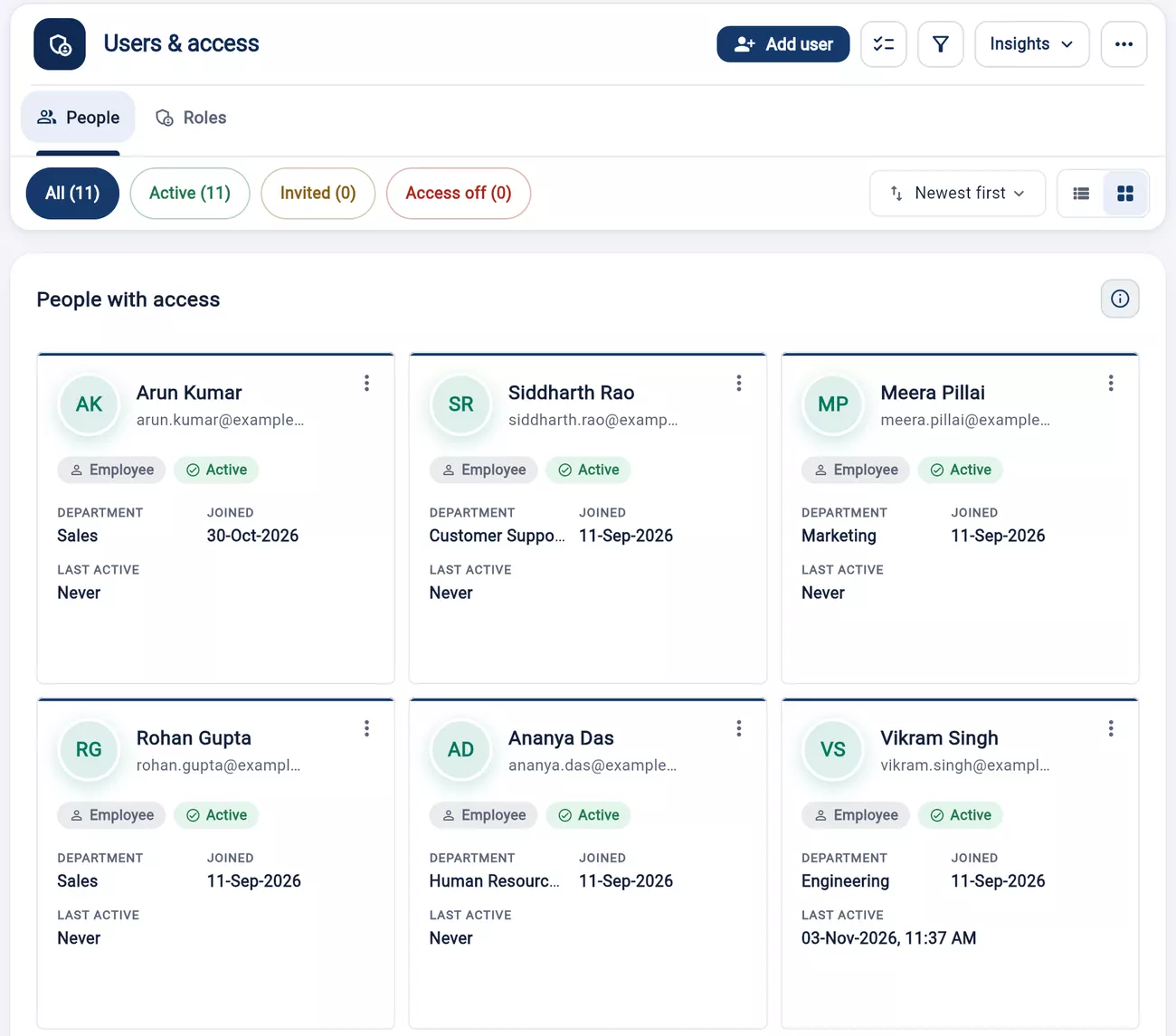
Give each person the access their job needs, and sign out any device from one screen.
Every plan includes a set number of seats. Add more whenever your team grows.
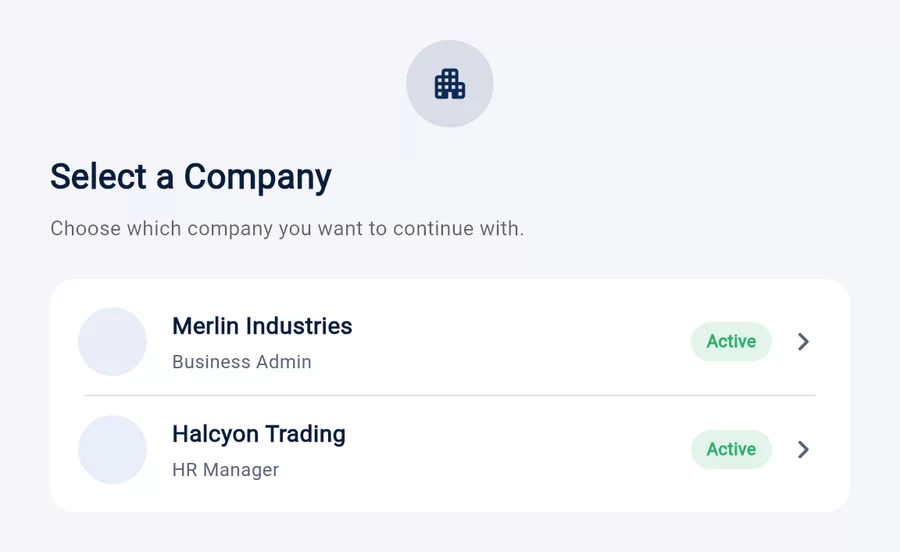
A plan belongs to a company, so we need to know who you are and which company it's for. If you're new, create an account and a company first. Your free trial starts then, and the plan you picked stays selected.
Seats are the higher of your active employees and the people with a login, for each company. Employees on leave count; people who have left don't.
No. Nothing is auto-debited. When your term is ending you review a renewal quote and pay it.
Thirvu HR can support organisation-specific salary structures and payroll rules. Statutory localisation can be configured based on the country and the required compliance scope.
Many fingerprint and face-recognition devices can be integrated. Compatibility depends on the device model, network access and the integration method supported by the machine.
Yes. Employee masters and related setup data can be prepared in templates and imported in bulk instead of entering every employee manually.
Payroll can include tax deductions and applicable salary components. The exact setup can be aligned with your payroll and compliance requirements.
Yes. Employees can use the mobile experience for common actions such as attendance, leave, permissions and payslip access.
Thirvu HR can be extended beyond core attendance and payroll into broader employee lifecycle processes such as recruitment, performance and appraisal workflows.
Thirty minutes, your staff list, your shift pattern. We'll show you what last month would have looked like in Thirvu HR.